
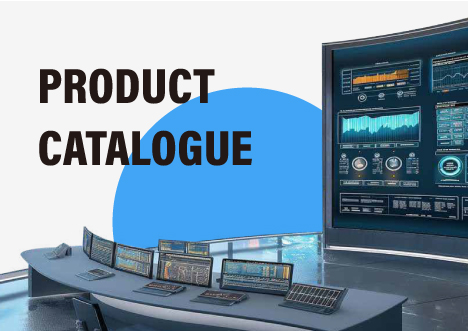






The world of professional audiovisual setups is experiencing a major change. Old fixed setups, once marked by a messy network of special matrix switchers and custom cables, are quickly turning into flexible, network-focused systems. Businesses, control rooms, and schools now want sharper images and more options. The drawbacks of standard hardware are clear. Building a visual system today in this data-heavy environment means more than just installing extra screens. It calls for a strong foundation that can manage huge amounts of data flow without any delay. Switching to an IP-based video wall controller marks the biggest step forward in this area. It provides a flexible and long-lasting way to handle large visual displays.
What is a Video Display Controller and How has it Evolved?
Creative Video Wall controllers act as the main brain for any multi-screen arrangement. It takes various input signals—from cameras and media devices to computer outputs—and turns them into a unified picture across a group of screens. In the past, these controllers were large hardware boxes with a set number of input and output slots. If a place needed to add more screens or sources past the starting limit, the usual fix was to swap out the whole setup.
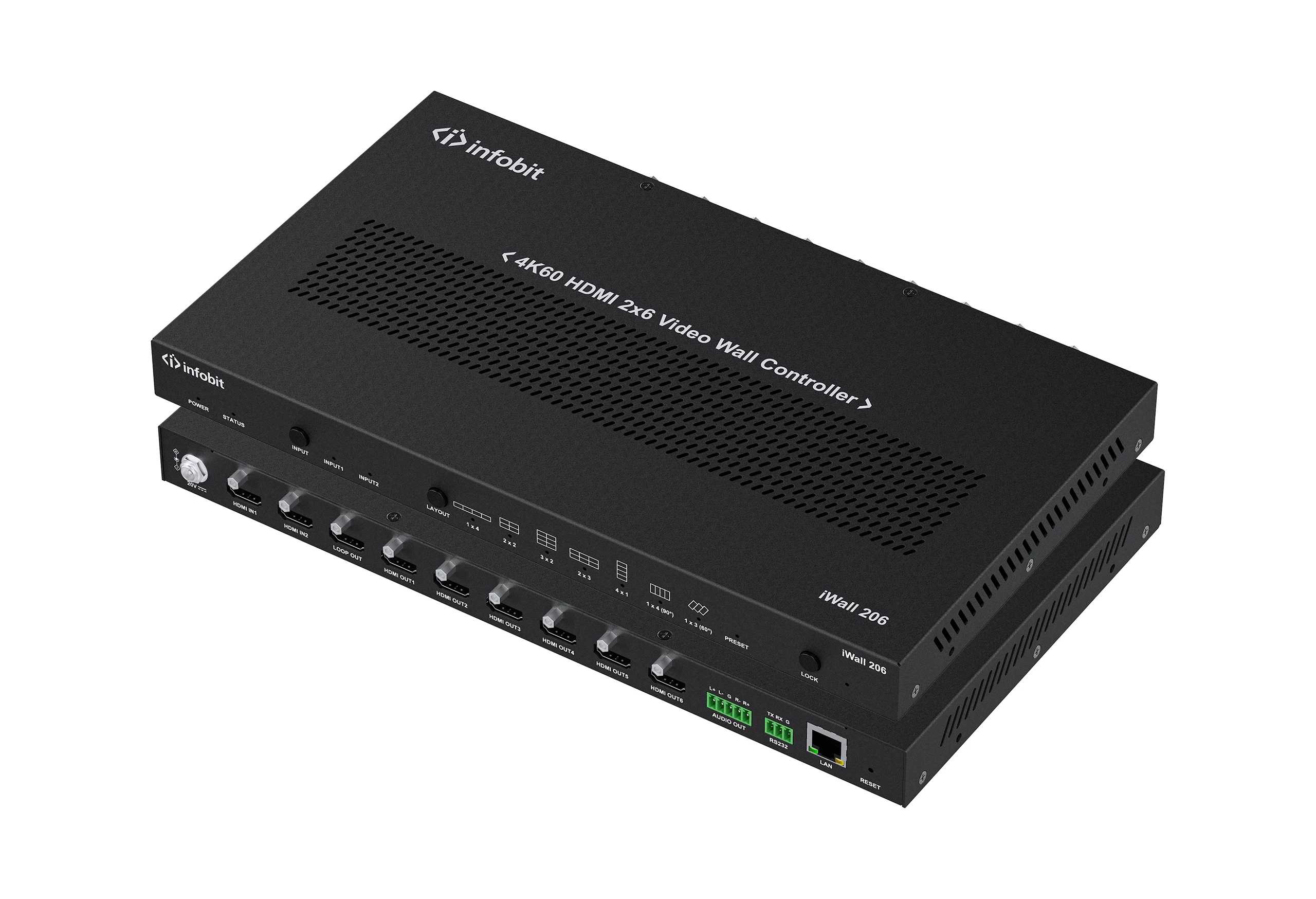
Current tech has changed the video display controller into a smart network part. Modern setups use strong bandwidth to deal with 4K and even 8K images with exact control. INFOBIT AV has led this change, shifting from limiting analog bases to pure hardware and IP-focused designs. This shift enables smooth changes without dark screens or picture glitches that troubled older visual tools.
|
Evolution Phase |
Technology Base |
Primary Limitation |
|
Legacy Era |
Analog / VGA |
Low resolution, massive signal loss over distance |
|
Digital Era |
Fixed Matrix / HDMI |
Limited scalability, proprietary cable lengths |
|
Modern Era |
IP Based Video Wall Controller |
Dependent on network bandwidth but offers infinite scale |
Why is an IP-Based Video Wall Controller Superior to Traditional Systems?
The key strength of an IP-based video wall controller is its “any-to-any” connection feature. Unlike old matrix switchers limited by physical port numbers—like 8×8 or 16×16—an IP-based setup uses regular network switches for routing. This lets you add as many encoders for inputs and decoders for outputs as needed to the network, as long as the bandwidth holds up.
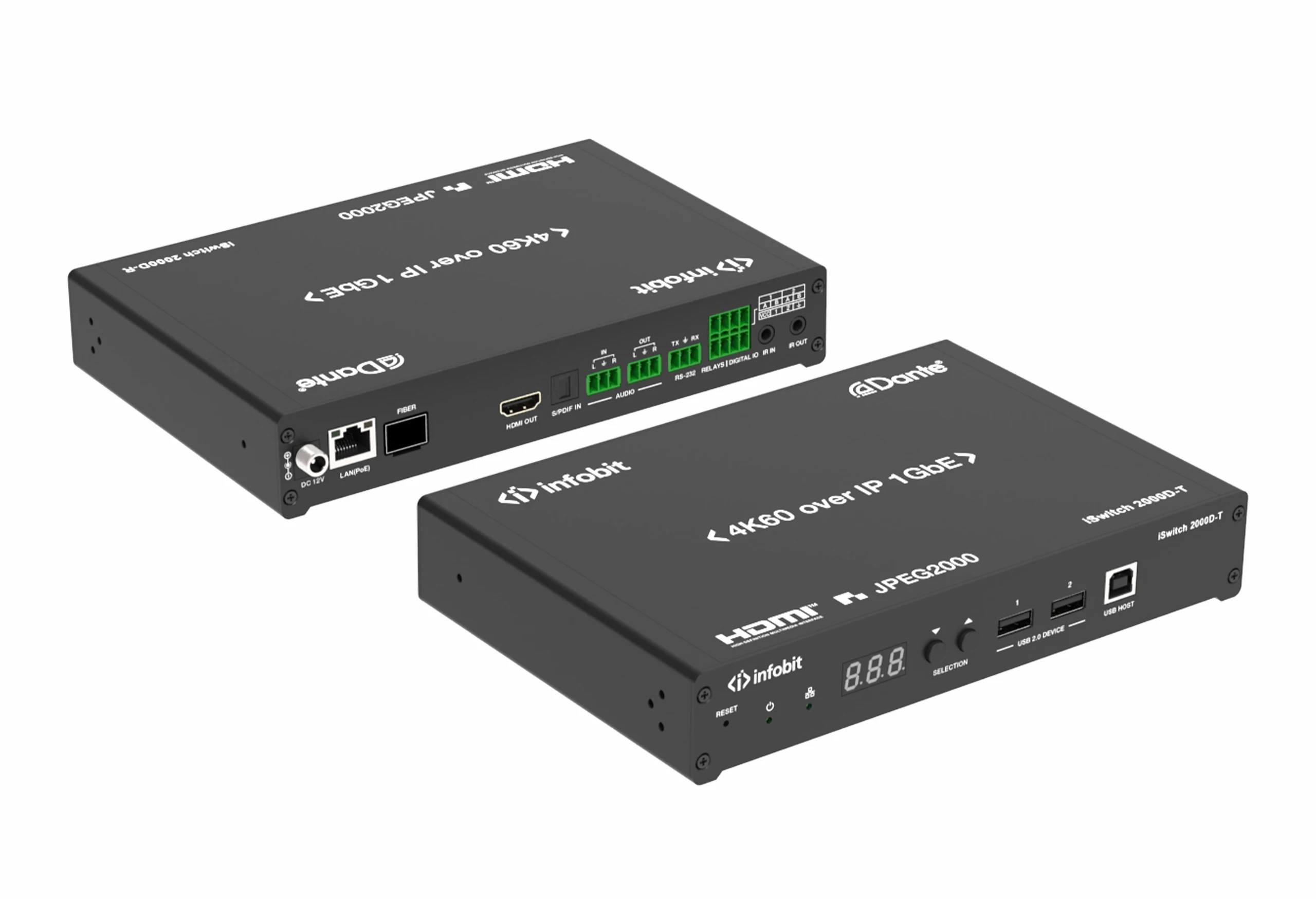
On top of that, an IP-based video wall controller cuts down on setup expenses a lot. Rather than using costly, bulky HDMI cables that weaken after 15 meters, workers can run standard Cat6 or fiber optic lines. These lines cost less and are simpler to pull through current building paths. Another big plus is central control. IT staff can access a Web GUI from anywhere to adjust the video wall, check processor status, or send firmware updates to all parts at once.
How Does a Video Wall Controller Splitter Optimize Content Distribution?
In a tense spot like a Network Operations Center, viewing several data feeds together is vital. A video wall controller splitter helps a great deal here by breaking high-quality feeds into smaller sections. No matter if it’s a 2×2, 3×3, or a huge, unusual pattern setup, the splitter makes sure pixels fit right across every screen without any warping.
Top-quality video wall controller splitter tech offers strong window options, like Picture-in-Picture and layered designs. This lets users focus on a primary video while showing side data in the edges. In spread-out AV networks, this feature is key to making sure each team member sees the exact visual info they require for quick choices.
- Zero-Latency Performance: Professional splitters utilize Gen-Lock technology to ensure the latency between any output channel is less than 0.1ms.
- Multi-Format Support: These systems can handle a mix of HDMI, SDI, and HDBaseT signals through a unified processing layer.
- Visual Integrity: Maintaining a 4:4:4 color space even when splitting a 4K60Hz signal across multiple panels.
What Technical Specs Define a High-Performance Visual Infrastructure?
When picking a video display controller for work use, key specs matter a lot. A strong system needs to handle 4K UHD at 60Hz for the sharpness needed in text-based tasks like finance, watching, or safety checks. Also, the gear should have backup power supplies and slot-based designs so one issue doesn’t stop the whole screen array.
|
Technical Specification |
Professional Requirement |
Impact on User Experience |
|
Resolution Support |
4K60Hz YCbCr 4:4:4 |
Sharp text and vivid color accuracy |
|
Processing Latency |
< 0.1ms (Gen-Lock) |
Perfect synchronization across all screens |
|
Control Interface |
Web GUI, IP, RS232 |
Ease of management for IT and AV teams |
|
Expansion Mode |
Modular / IP-Based |
Ability to grow the system as project needs expand |
Better systems also come with signal preview and check tools. This way, an operator can view what goes to the video wall on a small test screen before sending it live. It’s especially helpful in live shows and government meeting rooms where display mistakes can cost a lot or cause issues.
How to Implement an IP-Based Strategy for Your Next Project?
Putting in an IP-based video wall controller plan needs thoughtful work on the network setup. Buying the gear alone isn’t enough. The base 10G or 1G network has to be tuned for group traffic to avoid jams.
- Bandwidth Assessment: Ensure your network switches support IGMP Snooping to manage AV streams efficiently without flooding the network.
- Security Protocols: Deploy your video display controller on a dedicated VLAN to isolate sensitive visual data from the general corporate network.
- User Access Control: Define clear permissions so that only authorized personnel can change the layouts or switch critical inputs during an operation.
- Hardware Selection: Choose modular components that allow for both local HDMI inputs and remote IP-based streams to provide maximum flexibility.
Following these steps helps groups protect their spending for the future. As 8K turns into the norm and data feeds keep growing, an IP-based setup will stay useful and able to expand well after old hardware is outdated.
Conclusion
Moving from old, separate display systems to a growing visual setup is not just a nice extra—it’s a key need for today’s businesses. Using a professional video display controller lets groups deliver their visual data with top quality. The shift to an IP-based video wall controller brings unmatched growth and lower costs over time. Meanwhile, a solid video wall controller splitter gives the options required to handle tricky designs right away. For a vital control room or a company entrance, mixing advanced AV-over-IP tech with flexible hardware builds a firm base for sharing and working together.
Try the latest in visual handling and grow your setup with top engineering. Check out the flexible and IP options from INFOBIT AV to reshape your teamwork systems now.
FAQ
Q: What is the main difference between a traditional matrix and an IP-based video wall controller?
A: A traditional matrix faces limits from its physical hardware ports. In contrast, an IP-based video wall controller relies on a network switch at its heart. This setup allows for almost endless growth by adding more encoders and decoders to the network as required.
Q: Does a video display controller support different screen sizes on one wall?
A: Yes, a professional video display controller works with unusual patterns and varying screen sizes. With smart pixel-mapping tools it makes sure the content scales and lines up properly, no matter the screen setup.
Q: Can a video wall controller splitter handle 4K resolution?
A: Strong video wall controller splitter devices are built to manage 4K60Hz signals. They keep full color detail and offer smooth changes, so the clear content appears sharp on every screen in the array.
Q: Is special training required to operate an IP-based video wall controller?
A: Most current systems have a simple Web GUI where users can drag and drop sources onto the video wall. The first network setup needs IT skills, but everyday use is straightforward for those without tech backgrounds.
Q: How does a video display controller improve reliability in command centers?
A: Professional video display controller devices usually include backup power supplies and flexible designs. If one part breaks, the system keeps running. This is crucial for round-the-clock, important spots like emergency hubs.
