







Remote workstations, meeting rooms, and control desks usually require video, keyboard, mouse, camera, microphone, and speakerphone simultaneously. At INFOBIT AV, we deploy HDBaseT KVM extenders to deliver all these signals via a structured cabling system; however, proper choice of this equipment depends on factors such as resolution, distance, USB load, control commands, and power.
What an HDBaseT KVM Extender Transmits
4K video over a long-distance connection
An HDBaseT KVM extender encodes HDMI and control signals for transmission via Cat cabling. HDBaseT technology is developed to transport ultra-high-definition video, audio, Ethernet, USB, control signals, and power over a single cable path.
For professional AV systems, the video specification must be checked before the distance rating. The INFOBIT iTrans E100K supports up to 18Gbps bandwidth and 4K60 YUV 4:4:4 transmission over a single CAT6A or CAT7 cable up to 100 meters. The iTrans E100TR and iTrans E100V3K provide similar 4K60 4:4:4 transmission at 100 meters, with additional differences in audio, Ethernet, and control functions.
USB KVM control and peripheral access
USB over HDBaseT carries keyboard, mouse, touch-control, and selected USB peripheral signals between the source computer and the remote receiver. KVM means keyboard, video, and mouse, so the computer can remain in a rack or equipment room while the operator works from a remote display location. A keyboard and mouse connected to the receiver can control the source computer through the HDBaseT link.
The iTrans E100K supports USB 2.0 transmission at speeds up to 350Mbps, configurable host and device operation, USB KVM, and PoC. The iTrans E100TR adds USB KVM, EDID management, bidirectional IR, and support for touch control, cameras, microphones, and speakerphones in video-conferencing installations. The E100V3K also supports configurable USB host/device operation for more advanced AV systems.
A practical design must consider the number of connected USB devices, their power requirements, and whether they are recognized correctly by the host computer. A keyboard and mouse place very different demands on the system than a camera, speakerphone, or touch display.
Additional signals that affect system design
Video and USB are only part of the signal package. Depending on the model, an HDBaseT KVM extender may also transmit:
- Bidirectional IR for source and display control
- RS-232 for device management
- PoC to reduce separate power connections
- EDID management for display compatibility
- ARC or eARC audio return
- Ethernet pass-through
- SPDIF reverse transmission
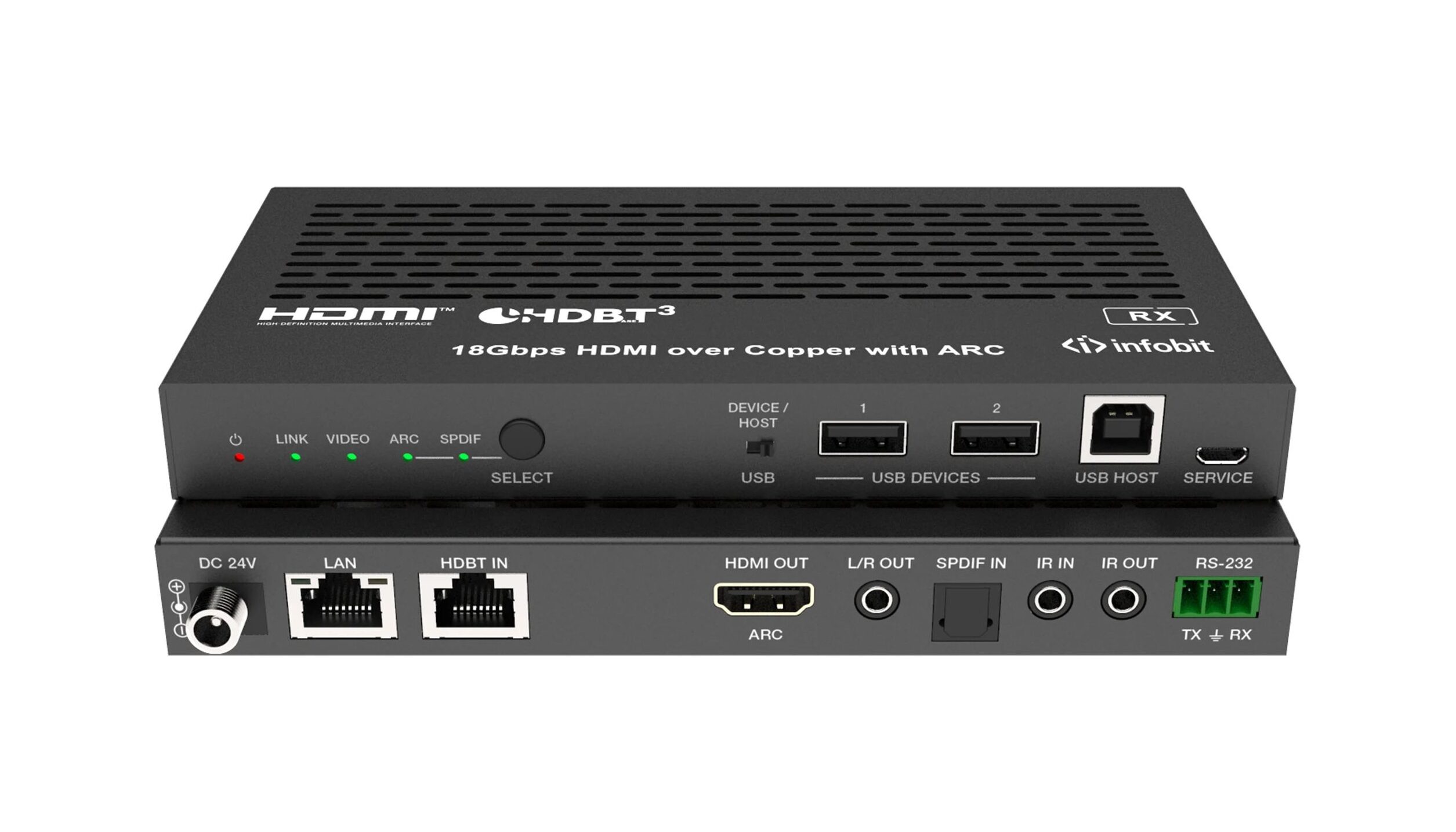
The iTrans E100V3K supports eARC and ARC, SPDIF reverse transmission, bidirectional IR, RS-232, 1G Ethernet, USB 2.0, and bidirectional 24V PoC. Its 18Gbps bandwidth and uncompressed 4K60 4:4:4 capability make it suitable for advanced conferencing and AV distribution systems. INFOBIT’s published product information also identifies HDR, HDR10+, Dolby Vision, and HLG pass-through for this model.
Why One CAT Cable Can Improve a Professional AV Installation
With one structured cabling path, the connection process between the rack, workstation, display, and operator station would become simpler, as there would be no necessity for running individual cables like HDMI, USB, IR, Serial, and Power.
This arrangement is useful in meeting rooms, control rooms, training spaces, digital signage environments, and remote workstation installations. It can also make maintenance easier because the main signal path is concentrated in one tested cable route.
PoC may reduce the need for a separate power adapter at one endpoint, but it does not remove the need for proper system planning. Cable category, shielding, termination quality, grounding, ventilation, and the specified distance limit all affect reliability. A 100-meter rating should be treated as a defined operating condition for a particular resolution and cable type.
Match the Extender to the Project Requirement
100-meter 4K60 KVM extension
The iTrans E100K is a 4K KVM extender for projects that require 4K60 YUV 4:4:4 video, 18Gbps bandwidth, USB 2.0 KVM, configurable host/device operation, and transmission up to 100 meters through CAT6A or CAT7.
It is suitable for remote control stations and computer locations where keyboard and mouse access are required. Because the model does not provide the same conferencing and audio-return feature set as the E100V3K, the signal list should be confirmed before selection.
HDBaseT 3.0 transceiver architecture
The iTrans E100TR uses a transceiver design that gives integrators more flexibility when planning the transmitter and receiver roles. It supports 4K60 4:4:4 transmission up to 100 meters, USB KVM, USB 2.0 peripherals, EDID management, bidirectional IR, and PoC.
This model fits installations where the system may need to adapt to different source and display positions, especially in video-conferencing environments.
Advanced audio and network requirements
The iTrans E100V3K is designed for systems that require more than video and keyboard control. It combines HDBaseT 3.0, 18Gbps uncompressed 4K60 4:4:4 video, eARC/ARC, SPDIF reverse transmission, USB 2.0, Ethernet, RS-232, IR, and bidirectional PoC.
Longer reach with a different resolution balance
The iTrans E150U2 extends 1080p signals up to 150 meters and 4K60 4:4:4 signals up to 120 meters over one CAT6 cable. It also supports USB KVM, USB 2.0, EDID management, IR, and PoC. This makes it useful for longer video-conferencing links where the project requires both extended reach and USB access.
The iTrans E150SK offers a similar 150-meter 1080p and 120-meter 4K60 distance range, with USB KVM pass-through. Its USB specification is different, so it should be checked carefully when cameras, microphones, or other USB conferencing devices are part of the design.
USB-C and wall-plate installations
For meeting rooms and BYOM applications, the iTrans UC-HUB2U supports USB-C input, 4K60 transmission up to 40 meters, 4K30 transmission up to 70 meters, USB peripherals, charging, and PoC.
The iTrans WP301-Kit provides a wall-plate format with HDMI and USB-C connectivity, USB 2.0 KVM, RS-232, IR, CEC, and PoC. It supports 4K60 up to 40 meters and 1080p up to 70 meters, making it more appropriate for room-level connectivity than long rack-to-room links.
|
মডেল |
Video capability |
দূরত্ব |
USB/KVM functions |
Suitable project direction |
|
আইট্রান্স E100K |
4K60 4:4:4, 18Gbps |
100m |
USB 2.0, KVM, configurable host/device |
Remote workstation and control |
|
আইট্রান্স E100TR |
4K60 4:4:4 |
100m |
USB 2.0, KVM, conferencing peripherals |
Flexible transceiver installations |
|
আইট্রান্স E100V3K |
Uncompressed 4K60 4:4:4 |
100m |
USB KVM, Ethernet, IR, RS-232 |
Advanced AV and conferencing |
|
আইট্রান্স E150U2 |
4K60 / 1080p |
120m / 150m |
USB 2.0 and KVM |
Long-distance conferencing |
USB KVM Versus Dedicated USB Extension
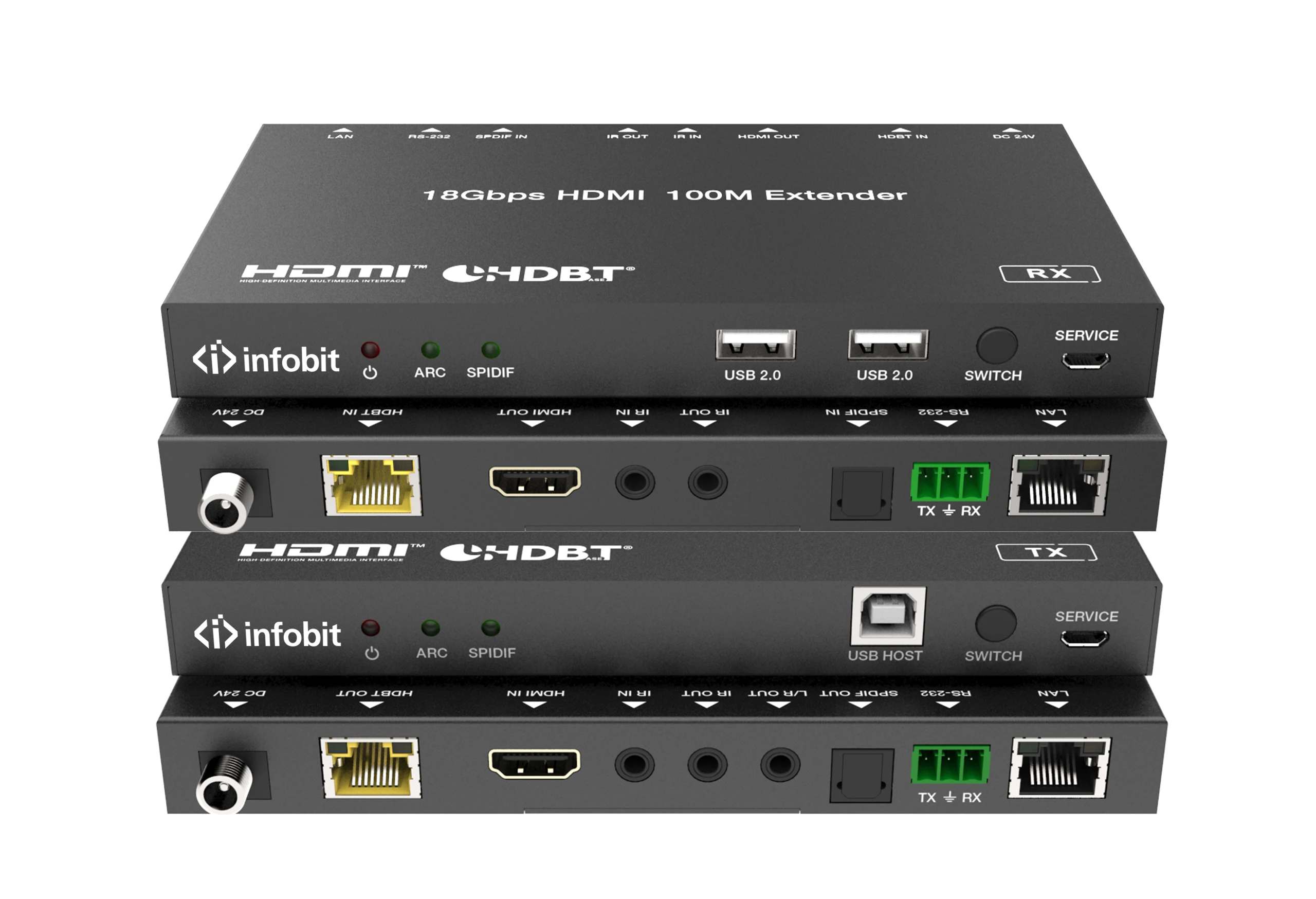
USB KVM is suitable for keyboard, mouse, touch control, cameras, microphones, and speakerphones when the selected model supports those devices. It is not automatically equivalent to a dedicated USB 3.0 extension system.
For storage, industrial cameras, high-speed capture devices, and other data-intensive peripherals, the iTrans USB3-TR100 is more appropriate. It extends USB 3.0 over HDBaseT 3.0 up to 100 meters, supports data rates up to 5Gbps, and remains backward compatible with USB 2.0 and USB 1.1.
Installation Checks Before Selecting a Model
Confirm these points before issuing a purchase specification:
- Required resolution, refresh rate, HDR format, and color space
- Installed cable category and actual route length
- Whether CAT6, CAT6A, or CAT7 is required
- Number and type of USB devices at the receiver
- USB host/device role and computer compatibility
- Requirement for ARC, eARC, Ethernet, RS-232, IR, or EDID
- PoC direction and power requirements
- Matched transmitter/receiver pair or transceiver architecture
- HDMI and HDCP compatibility across the source, extender, and display
Share the source and display models, cable distance, USB device list, and required control signals with ইনফোবিট এভি. For a faster quotation, upload the project file or contact our technical team through the HDBaseT extender product page. We can help match the signal package to a suitable configuration before installation.
Frequently Asked Questions
Can an HDBaseT KVM extender transmit 4K60 over 100 meters?
Selected models can. The iTrans E100K, E100TR, and E100V3K support 4K60 transmission up to 100 meters under their specified cable and signal conditions. The exact result depends on cable quality, termination, source compatibility, and the selected color format.
What USB devices can connect to an HDBaseT KVM extender?
Supported devices may include keyboards, mice, touch controls, cameras, microphones, and speakerphones. The product specification should be checked for conferencing-device support, USB bandwidth, port count, and power output.
Is USB 2.0 enough for a conference room?
USB 2.0 is generally suitable for common conferencing peripherals and KVM control. It may not be suitable for high-speed storage, uncompressed capture, or other devices that require several gigabits per second.
Should I use CAT6, CAT6A, or CAT7 cable?
The answer depends on the model, distance, installation environment, and signal format. INFOBIT’s 100-meter 4K60 models commonly specify CAT6A or CAT7, while some 150-meter models specify CAT6. The installed cable should match the extender’s documented requirements.
Do I need a separate USB extender?
Use a separate USB extender when the application requires USB 3.0 or USB 3.2 throughput, high-speed storage, industrial cameras, or other data-intensive equipment. A USB KVM function alone should not be treated as a full USB 3.x extension solution.
